
In PHP we can get inputs by several ways. But generally most users preferred to provide inputs via HTML form to a PHP file. But we can also get input via ‘Interactive shell’ also.
Interactive shell
Via this shell we can gets input from user. It’s work like inputs via command-line (windows) and terminal (Linux or, mac). Let’s see the usage of this below…
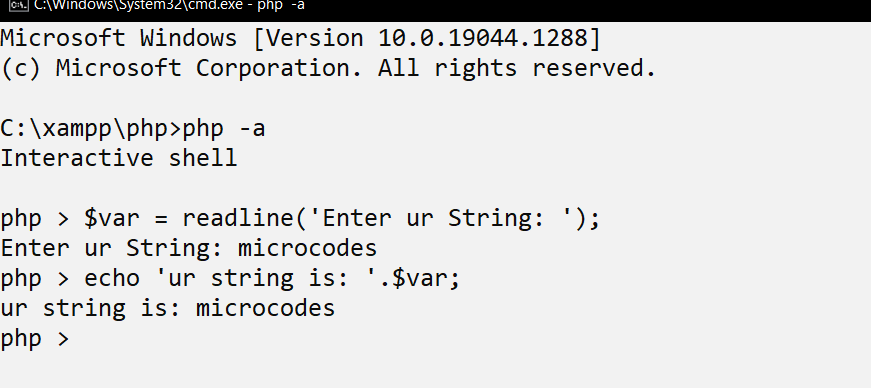
- Using php -a command we can active Interactive Shell in windows or any other OS, if there PHP already installed and setup by environment variables.
- readline() function we can gets user input via shell. As the above image suggest, you see the usage of ‘Interactive Shell’.
- ‘echo’ statement usage
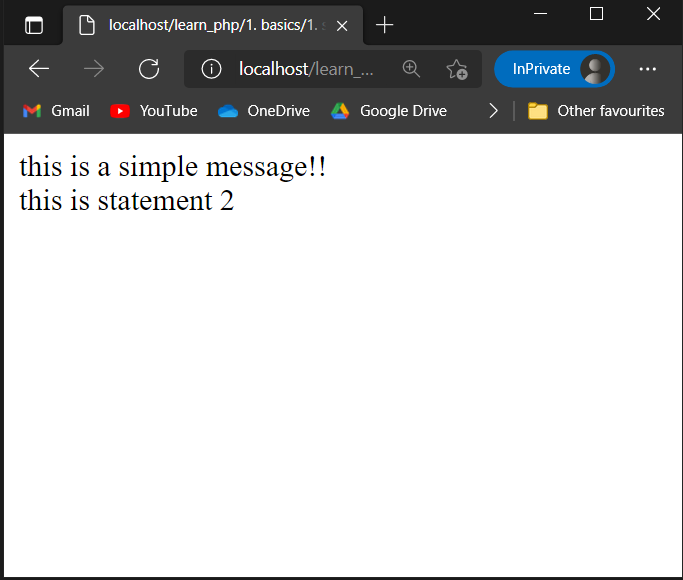
Here we can echoing some text-data over display. Using ‘echo’ statement we can print something over screen/display. File – code 1.php
| <?php echo “this is a simple message!!”; echo “<br>”; echo ‘this is statement 2’; ?> |
- HTML form data input
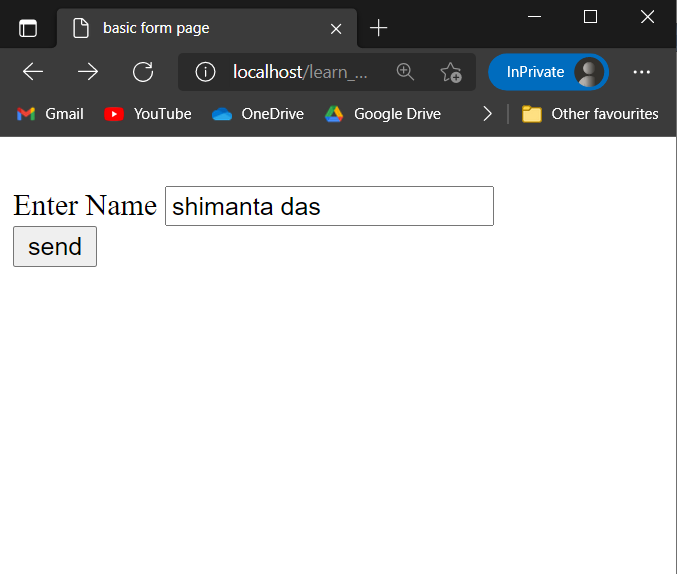
We consider, two files named as ‘form.html’ & ‘send.php’. We will doing a form input via ‘form.html’ file which will sends form input’s data as GET/POST request over ‘send.php’ file.
- Let’s see the form request using POST request.
File: form.html
| <!DOCTYPE html> <head> <title>basic form page</title> </head> <body> <br> <form action=”send.php” method=”post”> <label for=”name”>Enter Name</label> <input type=”text” name=”name” id=”name”> <br> <input type=”submit” value=”send”> </form> <br> </body> </html> |
file – send.php
| <?php $uname = $_POST[‘name’]; echo ‘user name is: ‘.$uname; ?> |
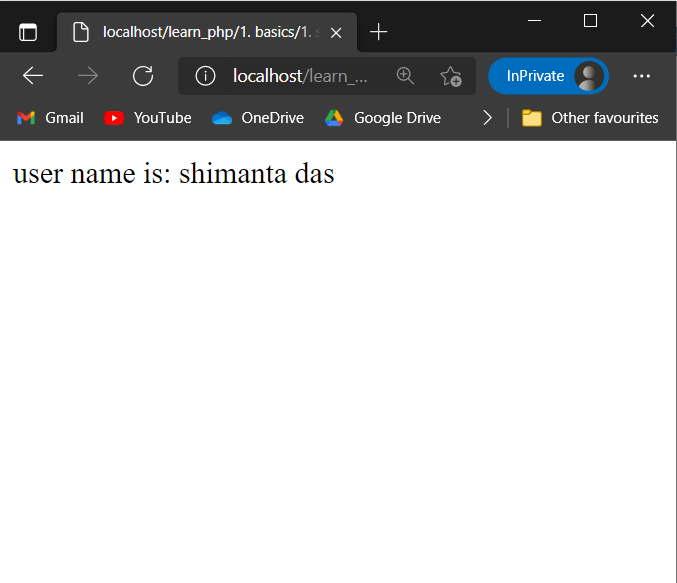
Let’s see the form request using GET request.
File: file2.html
| <!DOCTYPE html> <head> <title>form 2</title> </head> <body> <br> <form action=”post.php” method=”get”> <label for=”email”>Enter Email</label> <input type=”text” name=”email” id=”email'”> <br><br> <label for=”passd”>Enter Password</label> <input type=”text” name=”passd” id=”passd”> <br><br> <input type=”submit” value=”send”> </form> <br> </body> </html> |
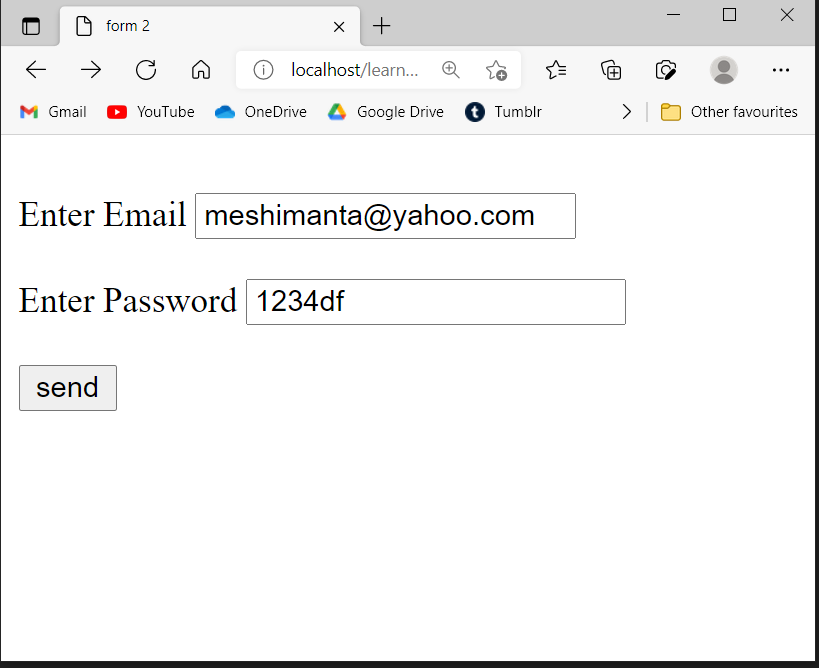
file – post.php
| <?php $uemail = $_GET[’email’]; $upassd = $_GET[‘passd’]; echo ’email is: ‘.$uemail; echo ‘<br>’; echo ‘password is: ‘.$upassd; ?> |
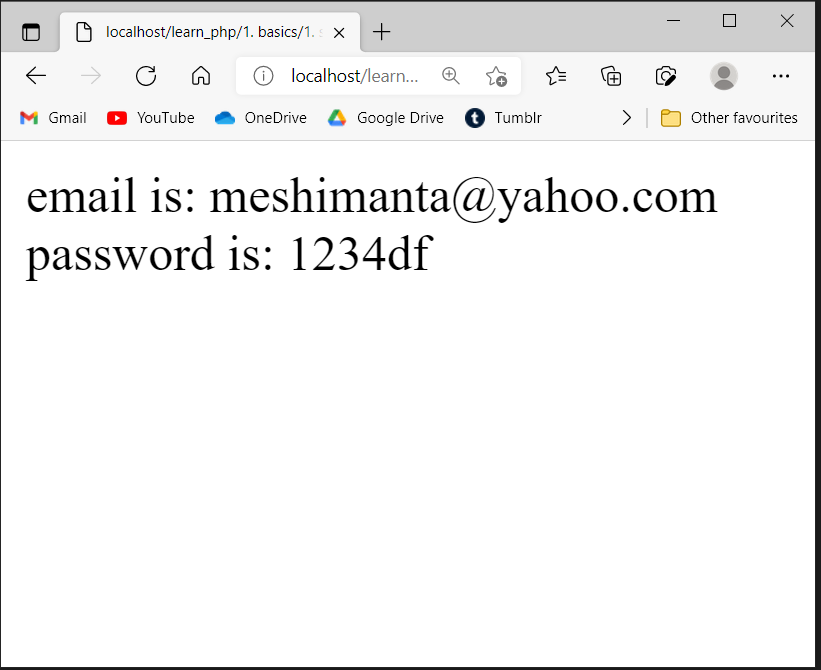
- ‘echo’ statement usage: part 2
Note: we can concatenate two operands using operator (.) The PHP concatenation operator (.) is used to combine two string values to create one string.
- Single Quotes
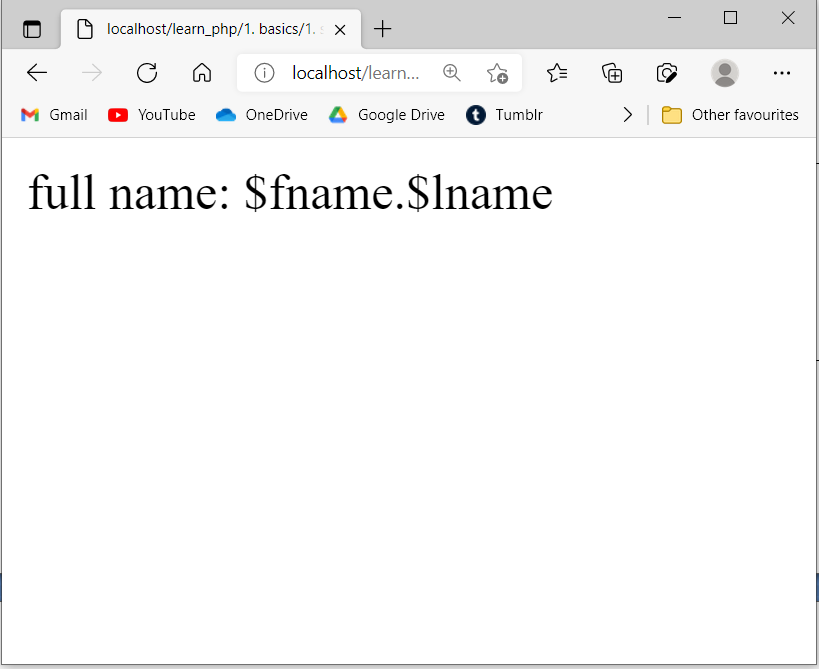
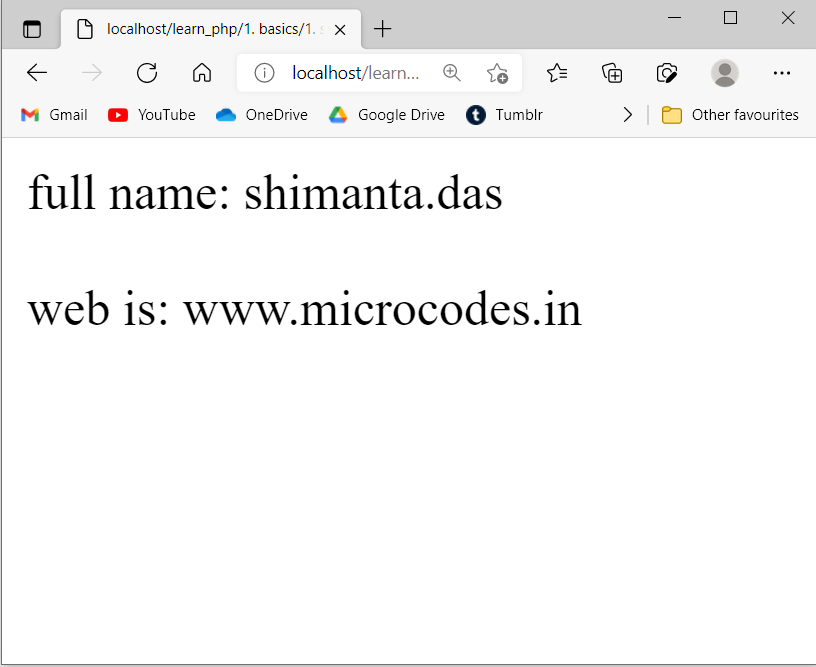
In PHP, Inside single quotes (‘ ’) everything treated as characters. The main thing is, inside single quotes variables also treated as character.
code 2:
| <?php // variables are fname,lname $fname=”shimanta”; $lname=”das”; echo ‘full name: $fname.$lname’; ?> |
- Double Quotes
In PHP, inside double quotes (“ ”) generally everything treated as characters but, variables are treated differently. Inside double quotes variables treated as variables.
code 3:
| <?php $fname=”shimanta”; $lname=”das”; $web=’www.microcodes.in’; echo “full name: $fname.$lname”; echo “<br>”; echo ‘<br>’; echo “web is: “.$web; ?> |
- HTML/CSS code under ‘echo’ statement
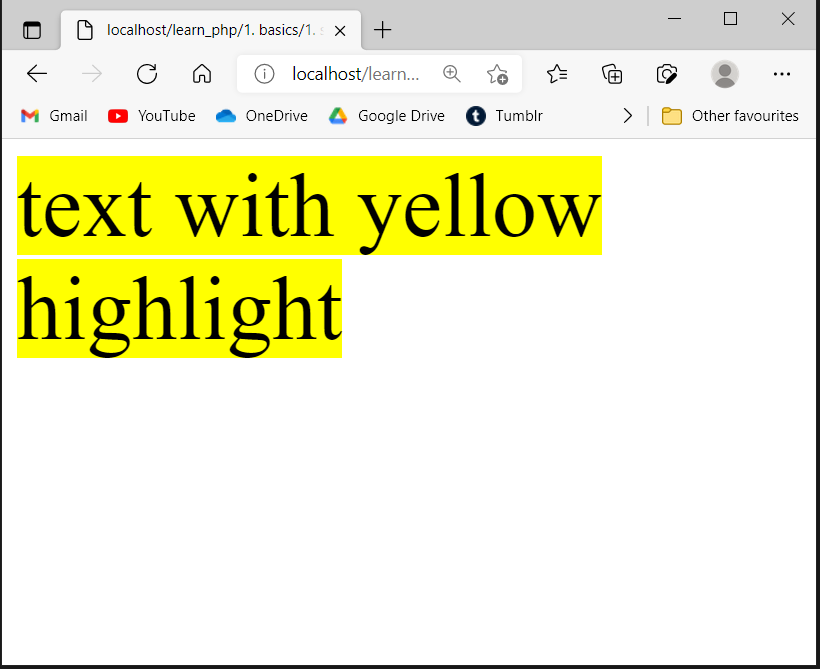
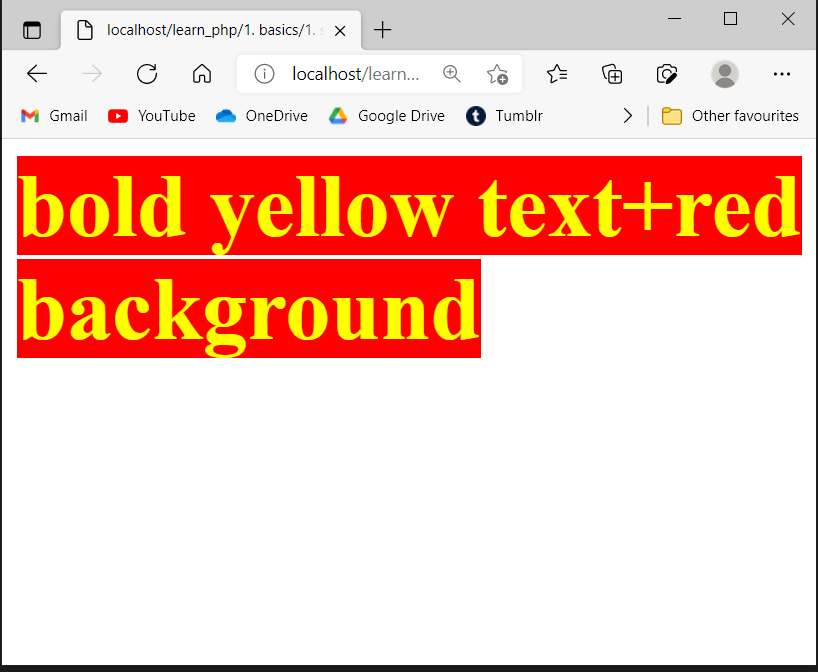
We can use HTML(with css) code inside single/double quotes after ‘echo’ statement in PHP.
Let’s see the usage below…
code 4:
| <?php echo ‘ <font size=”20px” style=”color:black;background-color:yellow;”> text with yellow highlight </font>’; ?> |
code 5:
| <?php echo “<font size=’20px’ style=’color:yellow;background-color:red;’> <b>bold yellow text+red background</b> </font>”; ?> |
- Comments
In PHP, we can deals with comments.Comments are those statements which are ignored by the interpreter in PHP.
Now question arrives, why then we use it?
Ans – when you or any developer make any application software or program, he/she need to deals with many variables, functions or even classes, third-party libraries and so on. In that time comments used to identify what gone to be used in program or what about the program is. It also helps in future development when another person deals with the same project.
Let’s see the usage of multi-types of comment in PHP file…
| <?php // single line comment /* muti-line comment line 1 line 2 line 3 */ /** * documented comment * author@shimanta das * website @ www.microcodes.in */ ?> |
- Error reporting
By passing zero (0) in error_reporting() function, you can remove all errors, warnings, notices, and parse messages. It would be much better to turn off report messages in.htaccess or in ini file instead of having this code in each or every PHP file. error_reporting(0); PHP allows developers to use undeclared variables.
Let’s see an example of without using error_reporting() function inside a PHP file…
code 6:
| <?php include ‘file.php’; $a=’G20′; $c=’india’.$a; echo $c; ?> |
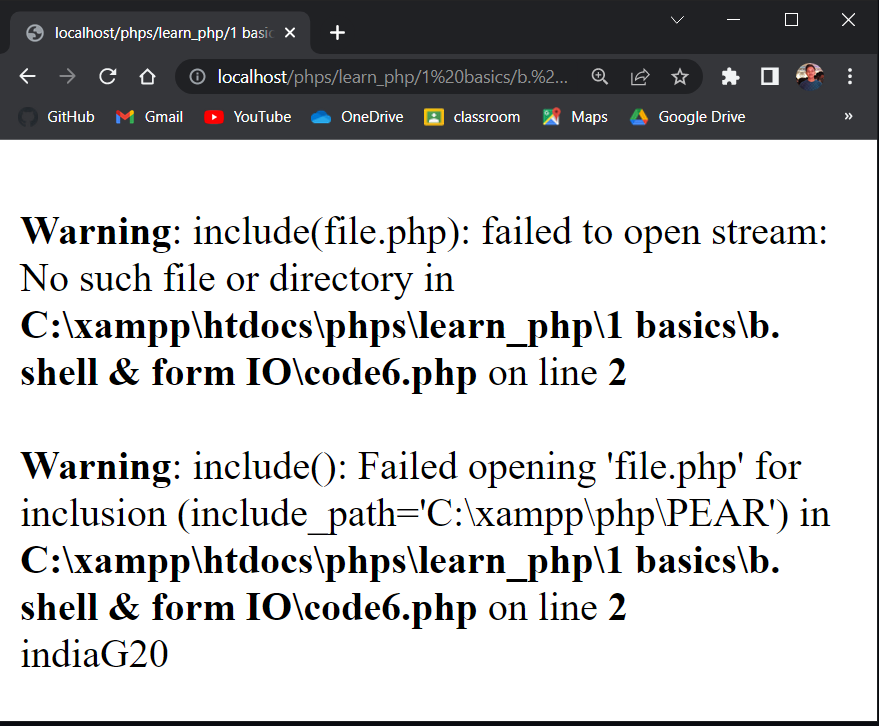
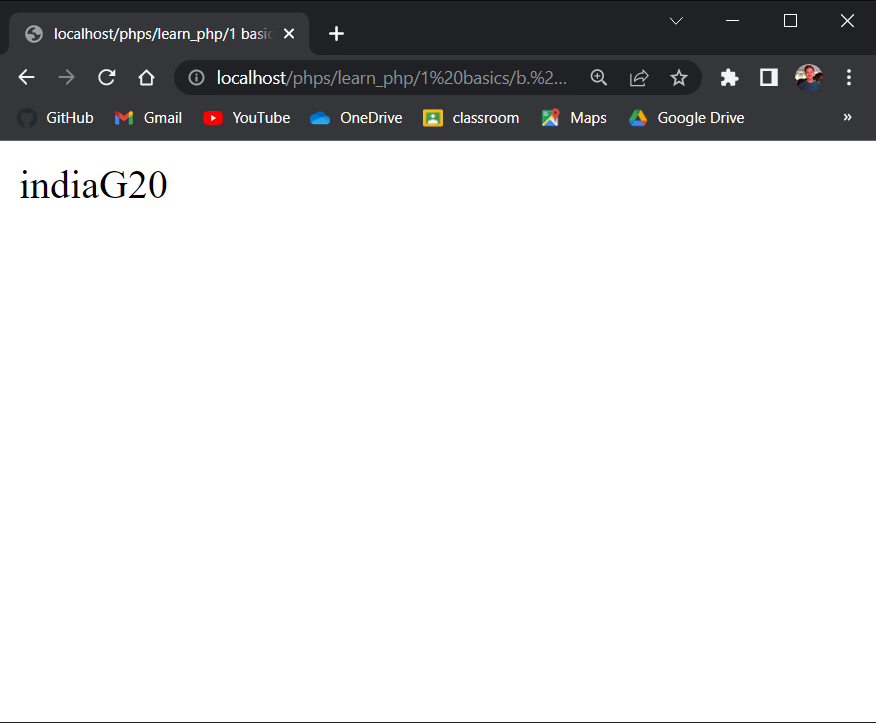
- In the above PHP file code, a file called ‘file.php’ does not exist. Which generating an error warning.
Code 7:Let’s see, using error_reporting() function inside a PHP file what happens …
| <?php error_reporting(0); include ‘file.php’; $a=’polo’; $c=90+$a; echo $c; ?> |