
When working on a WordPress website—whether it uses a custom HTML theme or page builders like Elementor or Bricks—you may notice that performance slows down over time. Pages take longer to load, which affects both user experience and SEO rankings.
In real-world scenarios, improving your website’s performance score (for example, from 50 to 90+) requires a structured approach. Here’s how you can do it:
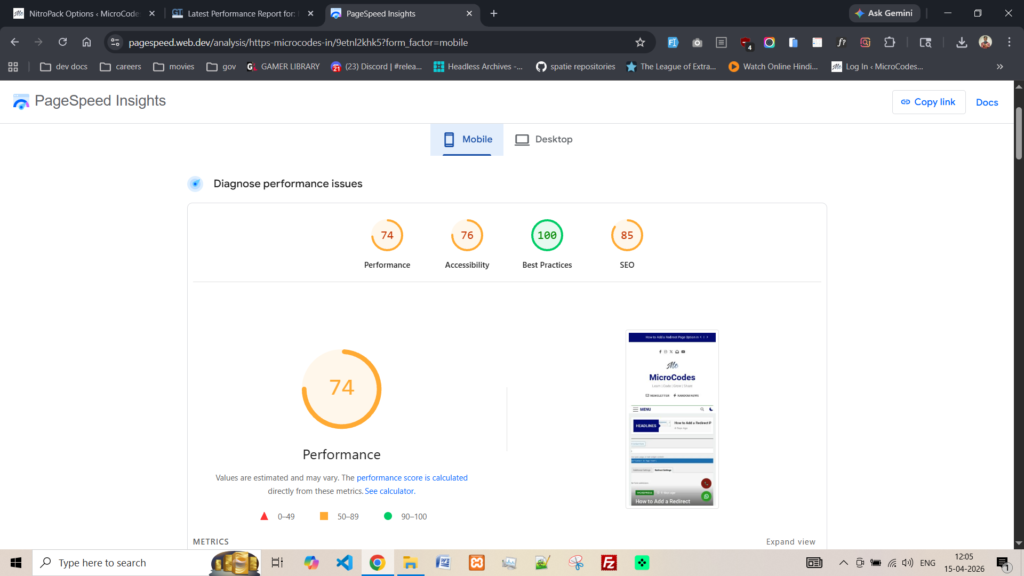
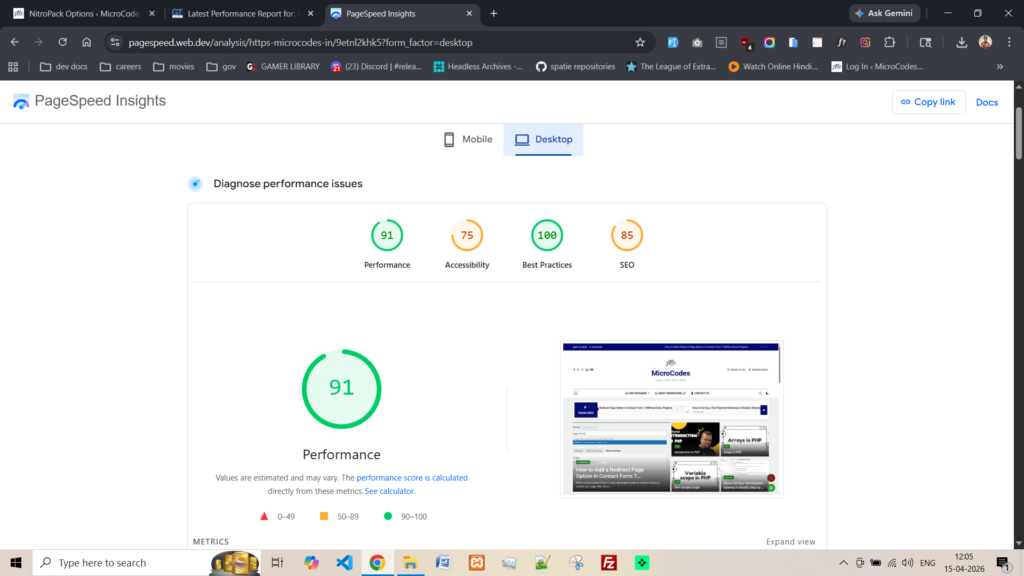
Step 1: let’s see some of existing websites performance on google pagesped. I have tested my own website on google pagespeed before optimization lets see their results.
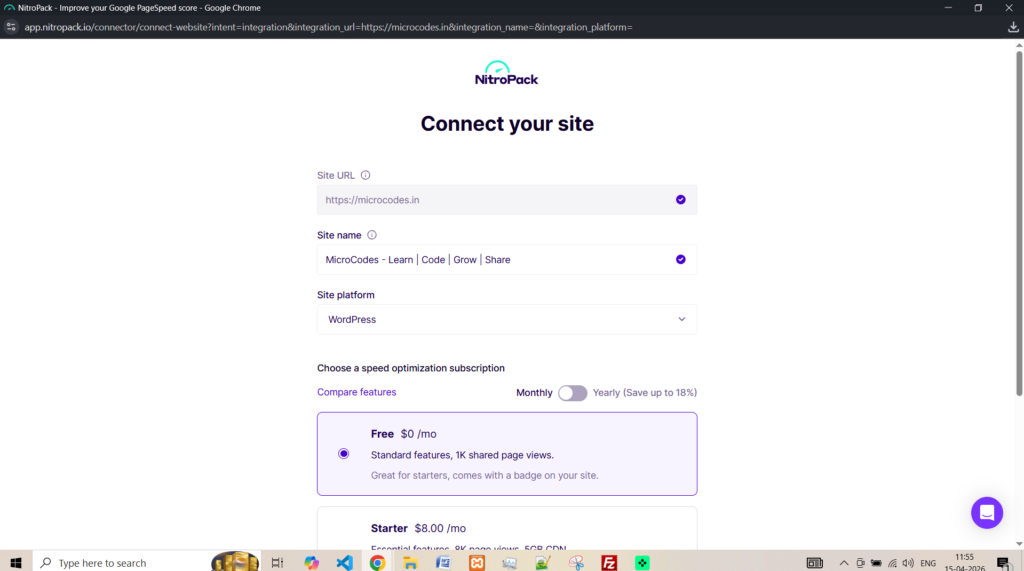
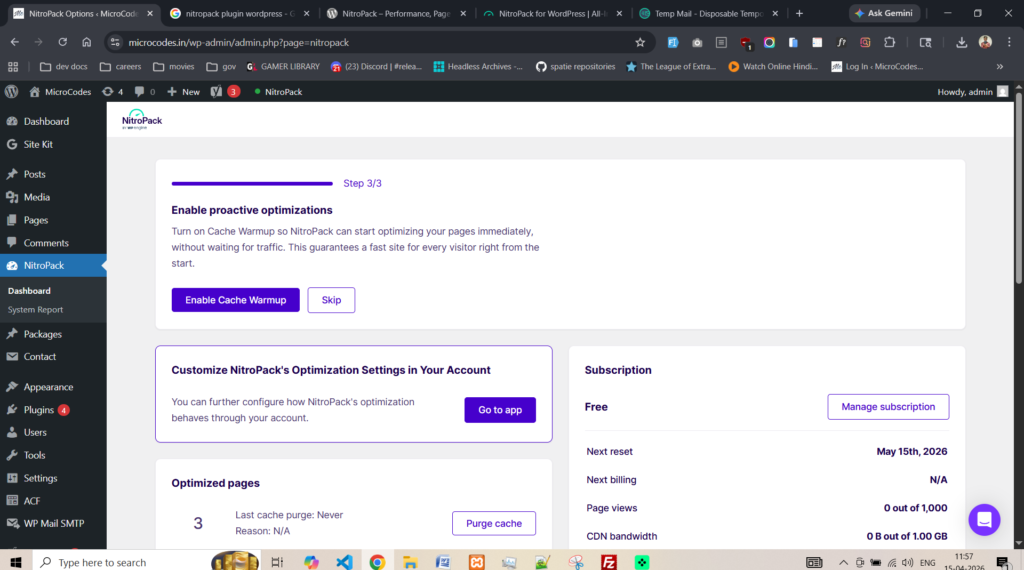
Step 2: Now, let’s find the plugin in wordpress plugins store as “nitropack” and install that. After that connect your wordpress site with the nitropack official site. Take this in mind make sure you enable “Cache Warmup” on the nitropack website or inside plugin page. By the way, nitropack has a free plan for website take that for yourself.
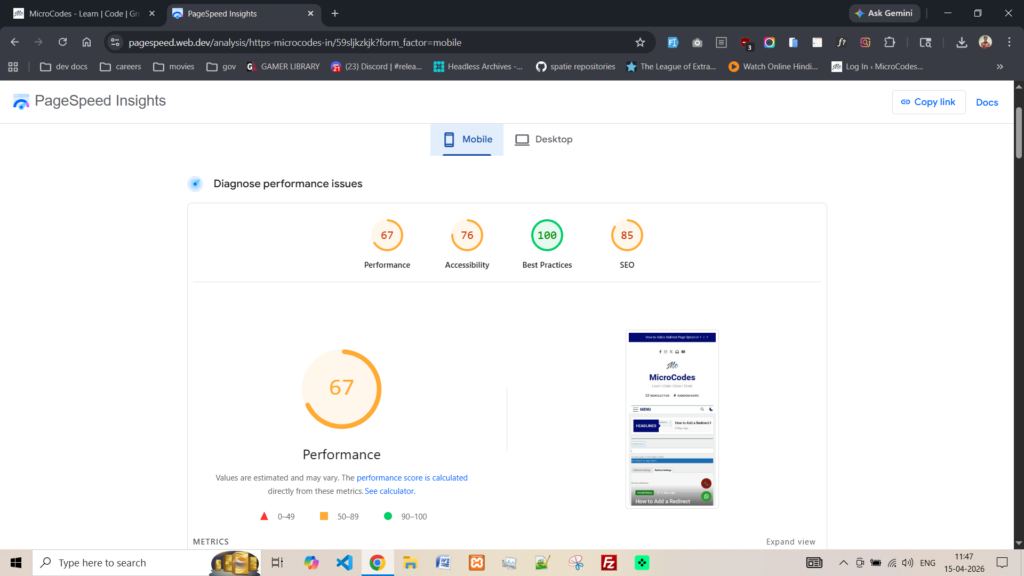
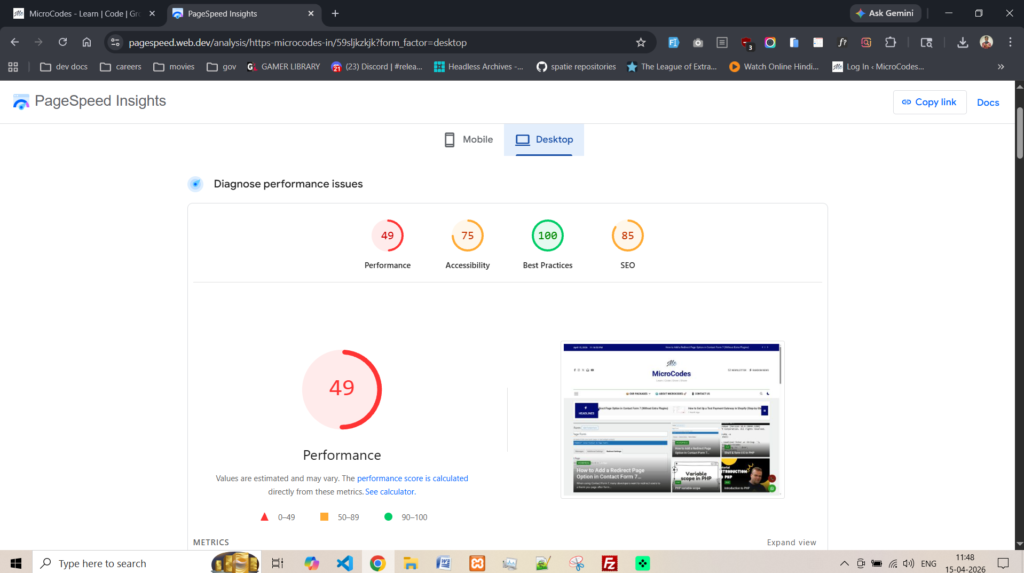
Step 3: now see the website performance score as proof below.