

Shopify is a “one-stop-shop” platform that allows anyone to set up an online store and sell products, without needing to know how to code or build a website from scratch. When we are learning into shopify or just developing any website for our clients that time we need a payment gateway solution.
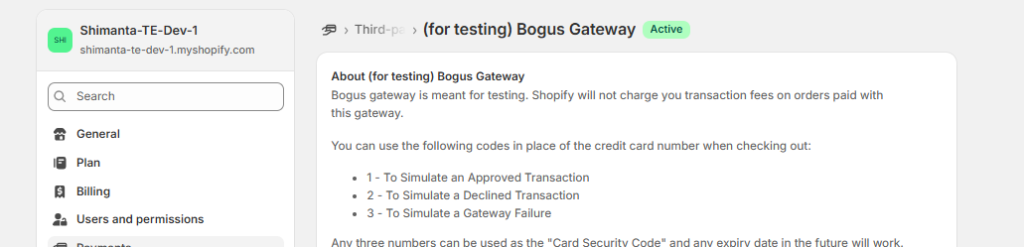
For testing in shopify we have a test payment gateway as “Bogus Payment Gateway” . Let’s see how to setup and make an order.
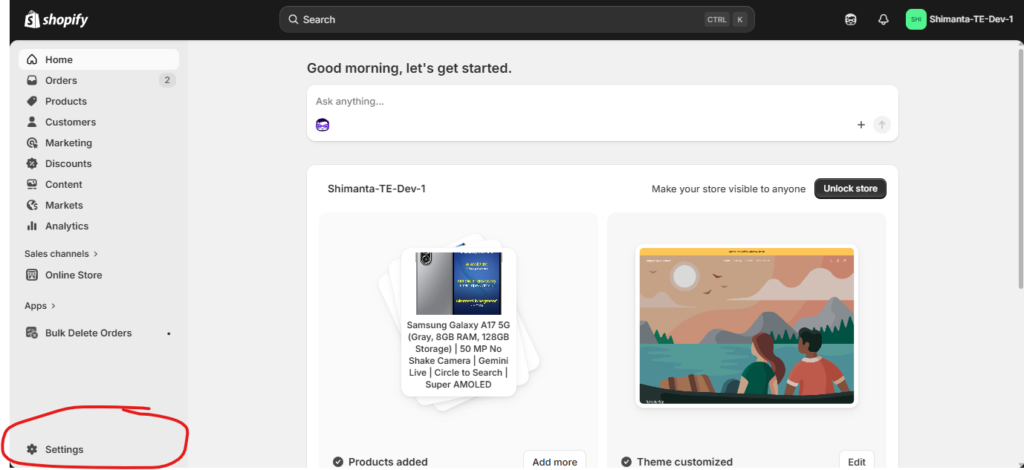
Step 1: Go to Settings inside shopify store admin panel.
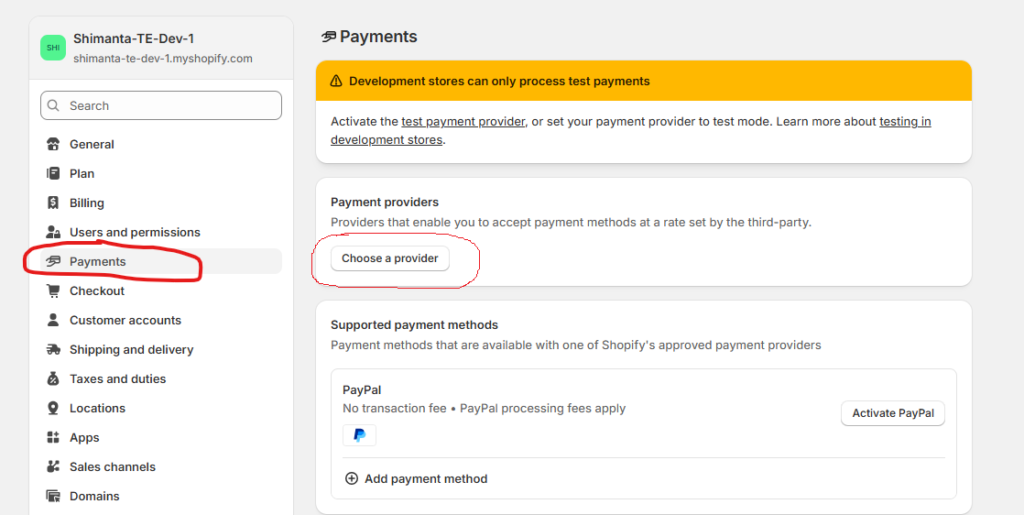
Step 2: Now, from the payments > Choose a provider.
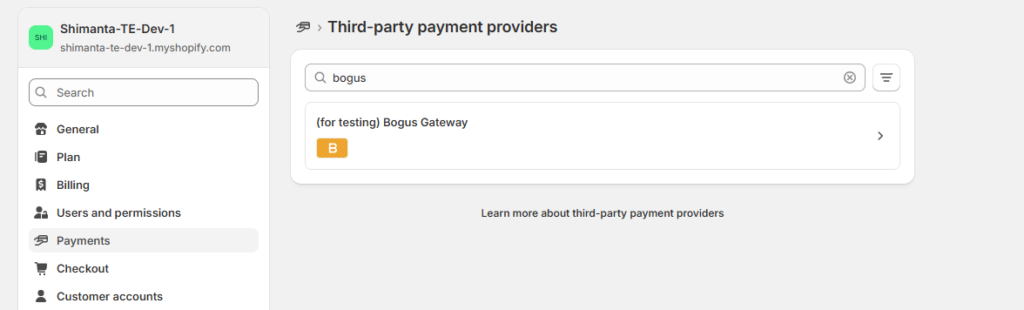
Step 3: Now search for “Bogus Payment Gateway” and activate it.
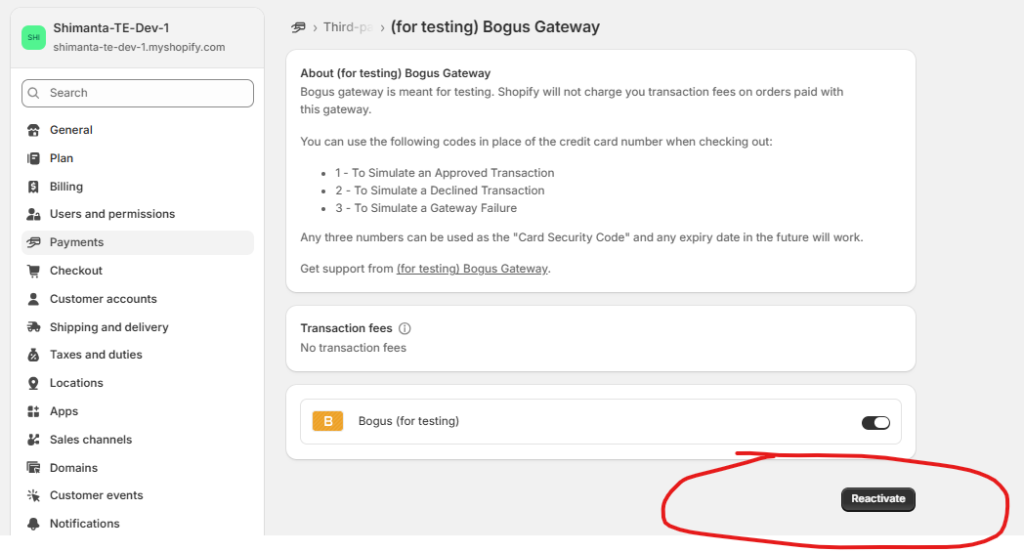
Step 4: Now if you already activate it then just reactivate it, if you want …
Step 5: Now, let’s make a payment from our shopify store. See the below video …
Please feel free to reach me out via LinkedIn or social media. Thanks.